













Speedz Casino Mobile Canada: Android, iPhone and Browser Access
Speedz Casino Canada does not need a native app to work like a mobile casino. The browser version handles registration, games, bonus checks, deposits, withdrawals and support from the same account.
That is the clean route for Canadian players: open the site in Chrome or Safari, check CAD cashier details, then play without downloading unknown APK files.
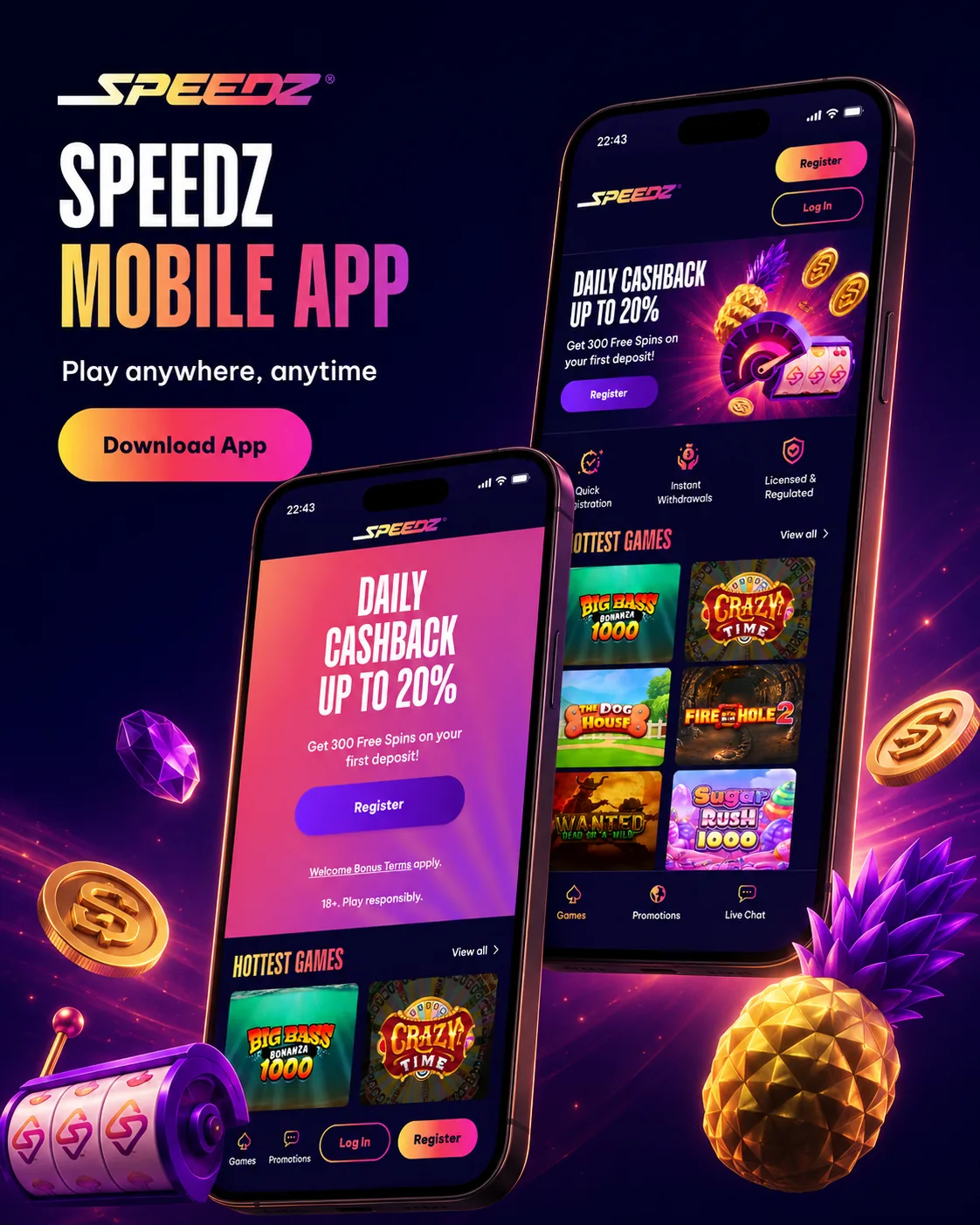
Mobile Facts
| Feature | Canada mobile detail |
|---|---|
| Android | Browser-supported |
| iPhone | Safari and compatible browsers |
| APK | Not required for the core casino route |
| Registration | Available on phone |
| Bonus access | 300 Free Spins page available on mobile |
| Cashier | Deposits and withdrawals through account area |
| Live casino | Works best on stable Wi-Fi or 5G |
| KYC upload | Possible from mobile camera files |
How to Use Speedz Casino on Mobile
Open a modern browser
Use Chrome on Android or Safari on iPhone. Update the browser before live casino play because old browser versions can break streaming.
Log in or create the account
Enter details carefully. Mobile autofill can create name or address errors that later affect KYC.
Check the cashier
Confirm CAD display, minimum deposit, minimum withdrawal and available payment methods. Apple Pay and Google Pay can appear as fast mobile deposit options, but withdrawals may need another route.
Claim bonuses from the account
Open promotions and confirm whether the 300 Free Spins offer is active. Check release timing before using the first batch.
Play slots or live casino
Slots work well in portrait mode. Live roulette, blackjack and baccarat usually feel better in landscape because the betting panel needs space.
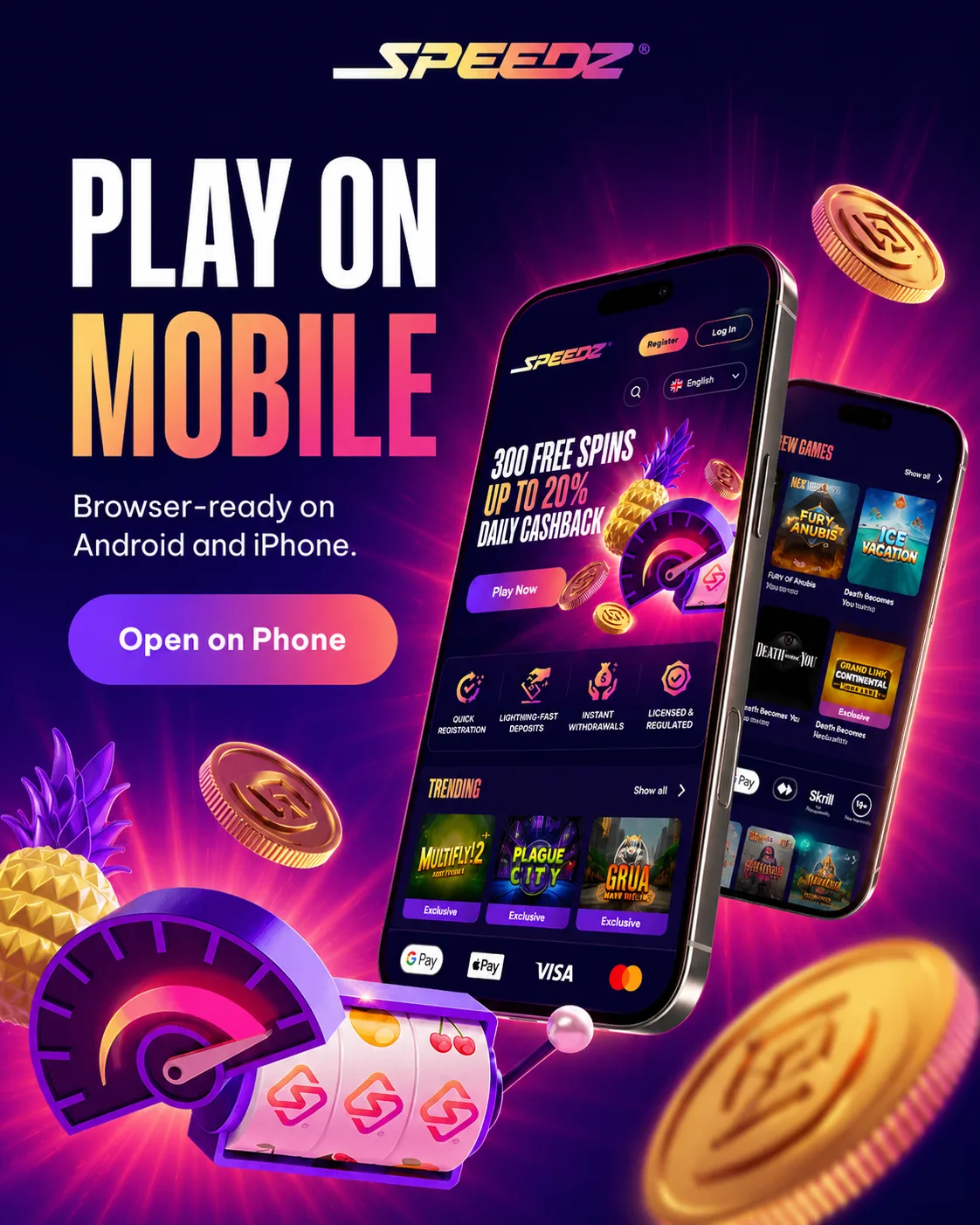
Android Notes
Android players should avoid APK files from search results, messages or file-sharing links. If Speedz Casino access works through the browser, that is the safer route. A home-screen shortcut can give app-like access without installing a package.
iPhone Notes
iPhone users can use Safari and add Speedz Casino to the home screen. This keeps access quick while still using the browser version. Payments, bonus pages and support remain inside the account.
Mobile Troubleshooting
| Problem | Likely cause | Fix | Where to check |
|---|---|---|---|
| Login loop | Cookie or saved password issue | Clear cookies and type password manually | Browser settings |
| Game lag | Weak connection or old browser | Switch to Wi-Fi or update browser | Game lobby |
| Payment screen stuck | Bank authentication blocked | Allow pop-ups and retry | Cashier |
| KYC upload fails | File too large or blurry | Retake photo in good light | Verification tab |
| Bonus page not refreshed | Cached mobile page | Reload account and reopen promotions | Promotions |
FAQ
Does Speedz Casino have an app in Canada?
Speedz Casino works through a mobile browser for Canadian players. Registration, games, bonuses, cashier access and support do not require a native app.
Should I download a Speedz Casino APK?
No APK is needed for normal access. Avoid unknown APK files and use the browser route unless the account area itself gives a verified download path.
Can I deposit from mobile?
Yes. Open the cashier and choose an available payment method. Check CAD conversion, minimum deposit and bonus eligibility before confirming payment.
Can I upload KYC documents from my phone?
Yes. You can use mobile camera files for ID and address proof, but the images must be clear, uncropped and match account details.
Which games work best on mobile?
Slots usually work best for quick mobile sessions. Live casino works too, but it needs stronger connection and more screen space.
Why does the casino freeze on mobile?
Freezing usually comes from browser cache, weak connection, low memory or an old browser. Reload the page, close extra tabs and switch networks.
Responsible Gaming
Mobile access makes depositing too easy if no limit is set. Decide the CAD session amount before logging in and take a break if play becomes automatic.