













Speedz Casino Mobile NZ: Browser Play on Android and iPhone
Speedz Casino NZ is a browser-first mobile casino. That matters because Kiwi players can open the account from a phone, check the NZD cashier, claim spins and play live casino without waiting for an app store install.
The mobile version is not just a smaller homepage. It needs to carry the whole player route: sign-up, deposit, bonus, games, withdrawal request, support and verification.
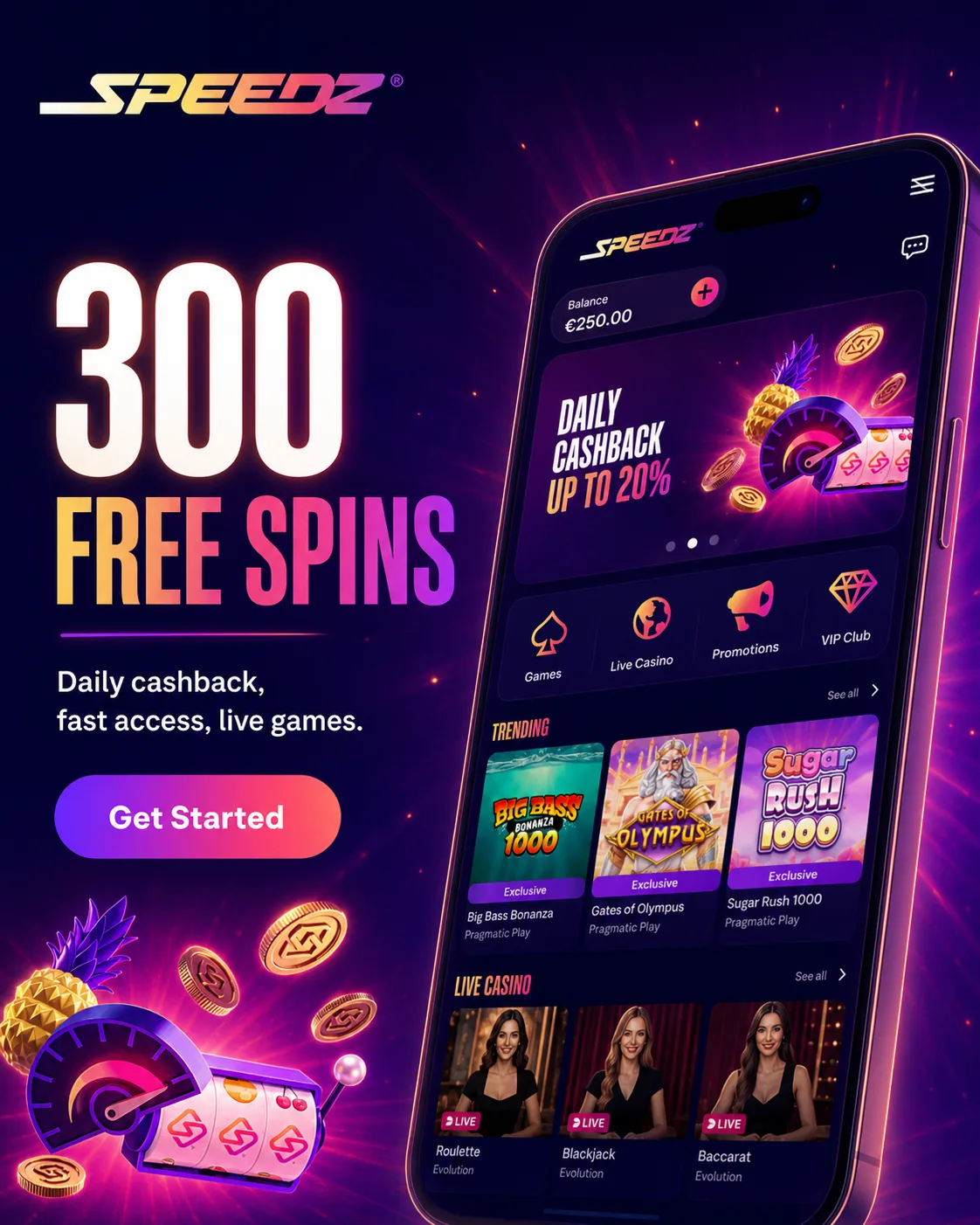
Mobile Route at a Glance
| Mobile task | NZ player note |
|---|---|
| Register | Works through mobile browser |
| Claim bonus | 300 Free Spins can be checked in promotions |
| Deposit | Confirm NZD equivalent before payment |
| Withdraw | KYC and method rules apply |
| Play slots | Good for short phone sessions |
| Play live casino | Best on stable Wi-Fi |
| Upload documents | Use clear camera images |
Phone Setup That Works
Use the browser, not random downloads
Open Speedz Casino through Safari, Chrome or another updated browser. Do not install APK files from search results or social messages.
Save a shortcut if needed
Android and iPhone both allow home-screen shortcuts. This gives quick access without adding a native app.
Check the cashier on mobile
Before depositing, confirm NZD display, available methods and whether the payment route supports withdrawals.
Test games before a long session
Open one slot and one live casino table before committing to a bonus session. This shows whether the connection and device are stable.
Android Experience
Android players get the cleanest route through Chrome. The site can handle slots, live dealer tables, cashier pages and support chat. If payment authentication opens a bank screen, return to the casino tab after approval and wait for the cashier to update.
iPhone Experience
iPhone players should use Safari first. Live games can be heavier than slots, so closing other tabs helps. For bonus play, keep the promotions page and wagering status easy to reach.
Mobile Payments
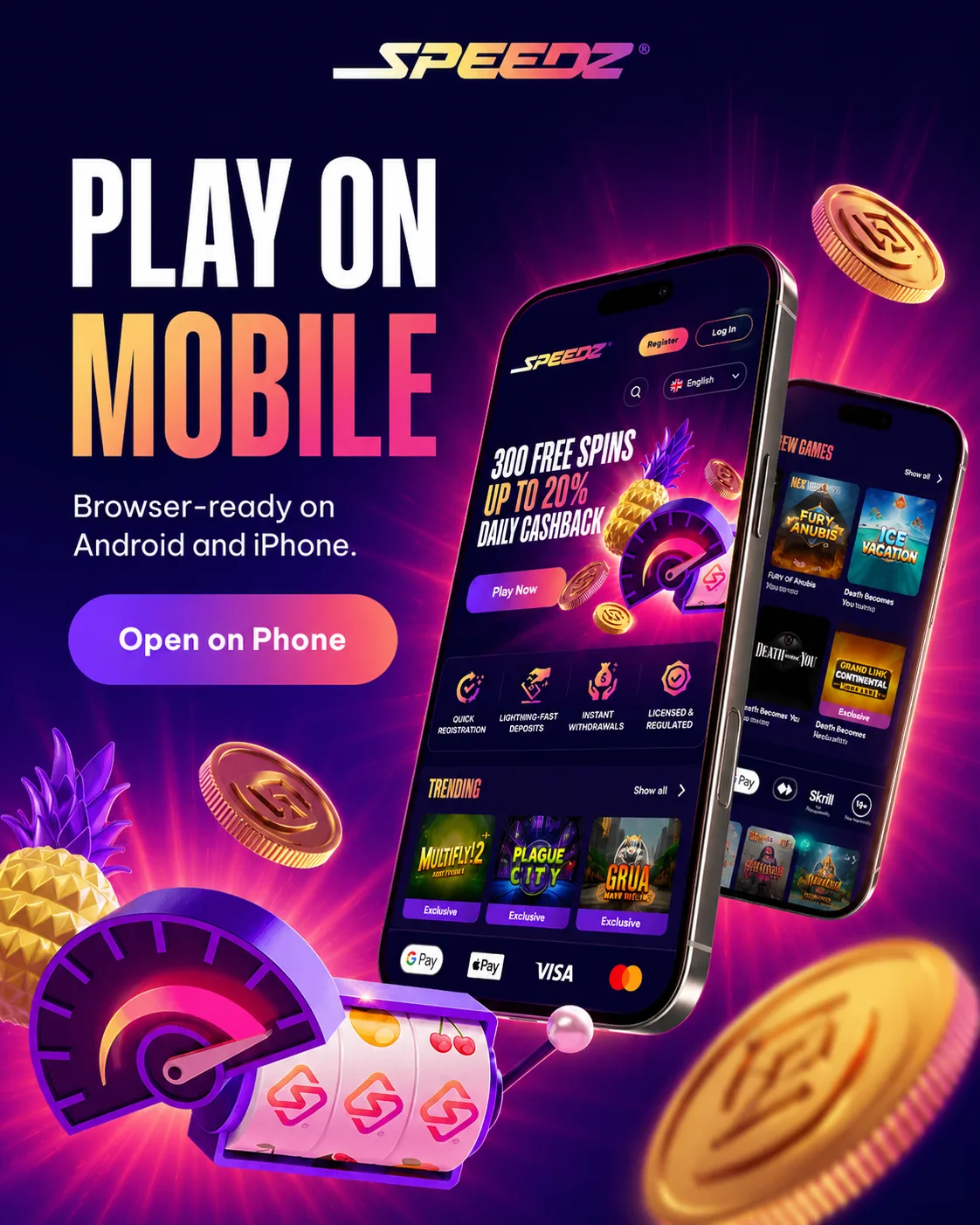
The payment list can include Visa, Mastercard, Skrill, Neteller, MiFinity, Apple Pay, Google Pay, MuchBetter, PaysafeCard and Cashlib. On mobile, Apple Pay and Google Pay are convenient for deposits, but withdrawal support can differ.
Troubleshooting
| Issue | Likely reason | What to do | Where to verify |
|---|---|---|---|
| Live table buffers | Weak network | Switch to Wi-Fi or reduce background apps | Live casino |
| Apple Pay not visible | Device or region rule | Use another listed method | Cashier |
| Bonus page blank | Cached account page | Refresh and log in again | Promotions |
| Upload rejected | Blurry ID photo | Retake under bright light | Verification |
| Withdrawal tab missing method | Deposit-only route | Select another approved payout option | Cashier |
FAQ
Does Speedz Casino NZ have a mobile app?
Speedz Casino works through a mobile browser for NZ players. You can register, deposit, claim bonuses and play without installing a native app.
Can I use Speedz Casino on my iPhone?
Yes. iPhone users can open Speedz Casino through Safari and use the account, cashier, promotions and games from the browser.
Can Android users play without APK?
Yes. Android users can play through Chrome or another browser. Avoid APK files unless the official account area provides a verified route.
Can I claim Free Spins on mobile?
Yes. Open the promotions area, check the 300 Free Spins offer and track the release schedule from the mobile account.
Why do live games lag on my phone?
Live dealer games stream video. Lag usually comes from weak network, old browser, low battery mode or too many background apps.
Can I withdraw from mobile?
Yes, if the account is verified and the cashier shows an available withdrawal method. KYC and bonus wagering can still delay approval.
Responsible Gambling
Mobile casino access should not turn every spare minute into a session. Set an NZD limit, use breaks and stop if playing starts feeling automatic.